Optimize existing content, Brief cluster tab, Bug fixes ++
Optimize existing content in Writer Assistant.
You can easily enhance any existing content with our writer assistant tool.
Provide the URL of the content, along with your target keyword or query, and specify the desired location and language.
After importing the content, navigate through the Research, Write, and Optimize sections to refine and elevate the content’s quality. Your objective is to achieve an ‘A’ grade for your content, indicating top-notch optimization and quality.
Briefs cluster tab
When you cluster keywords, we automatically pick and highlight the best keyword in green to produce content based on our proprietary algorithm. So, when writing an article for this cluster, you will naturally rank for all the keywords in the cluster. However, there are certain situations where you may find interesting keywords in a cluster you want to include in your article.
To enable this we have added a separate cluster tab in your briefs.
Note: If you have utilized the keyword clustering feature to group keywords, we will display all the keywords within your cluster that you have selected to include in your content. However, this does not necessarily mean you must incorporate all the keywords into your article. It is crucial to ensure that you only use the keywords that are relevant and appropriate for your content. Avoid over-optimizing or keyword-stuffing your article.
Briefs
- We re-arranged the brief SERP layout order. We’ve changed the SERP layout order horizontally to improve user experience.
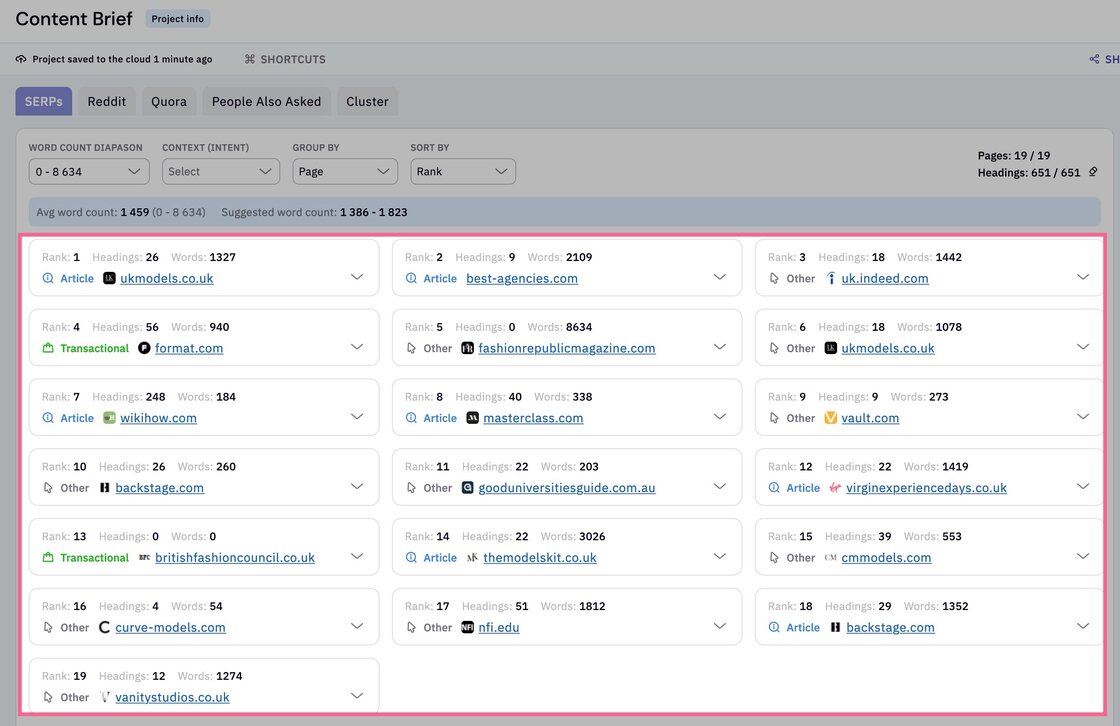
- Auto-redirect to the Writer assistant when you click ‘Send a brief to the Writer assistant’.
Writer assistant
- When you add a keyword from the cluster tab into your writing assistant, it will be highlighted in green. This feature makes it easier for you to see which keywords you’ve incorporated into the writing assistant, which is especially useful when dealing with a large list of hundreds of keywords in your cluster.
Other fixes
- Improved the clustering credit usage stats for better visibility.
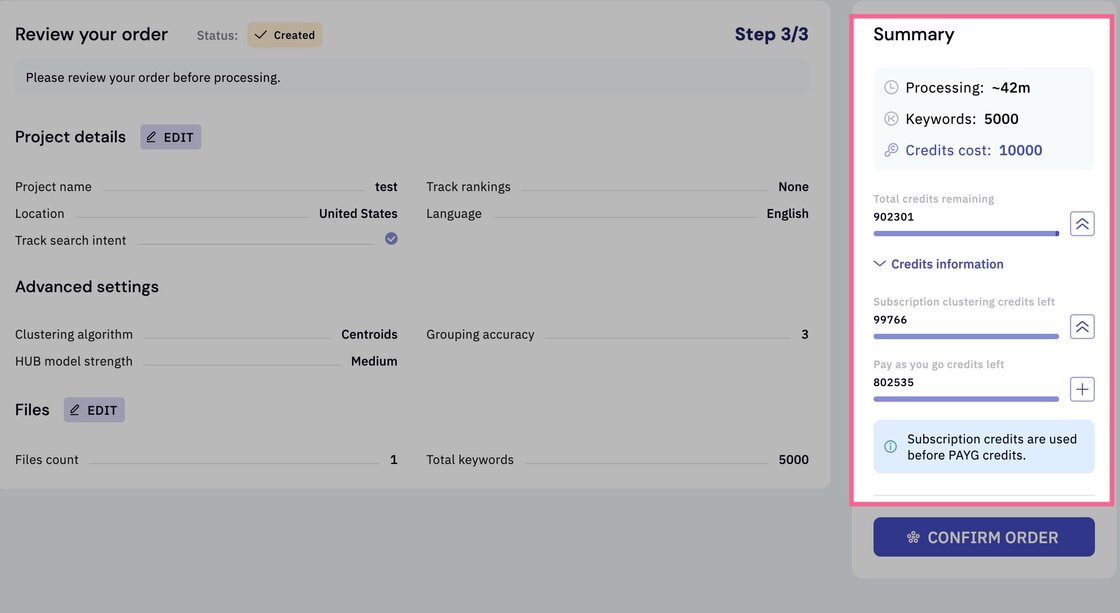
-
Resolved inconsistency in the display of location and language settings across the application to ensure a uniform presentation and maintain a coherent user experience throughout.
-
Fixed the subscription upgrade modals with the new UI.
-
Minor bug fixes